IT Budget Planning: A Practical Guide for Business Decision-Makers
Learn how to build a smarter IT budget that supports your business goals. This practical guide covers planning for hardware, software, cybersecurity, and future growth while helping you reduce unexpected technology costs.

Technology costs can quickly become difficult to control.
Software subscriptions increase, devices age, cyber security requirements grow and new employees need additional equipment and licences. Without a clear plan, IT spending becomes reactive and unexpected costs begin appearing throughout the year.
A strong IT budget is not simply about spending less. It helps the business understand where money is going, manage risk and invest in technology that supports growth.
Start with What You Already Spend
Before planning next year's budget, create a complete view of your current technology costs.
Include:
- Microsoft and software licensing
- Cyber security services
- IT support
- Cloud infrastructure
- Internet and telecommunications
- Backup services
- Hardware warranties
- Laptops, monitors and accessories
- Technology projects
Also review subscriptions purchased directly by individual departments. These can create duplicated products, unclear ownership and unnecessary costs.
Key takeaway: You cannot control IT costs without first having visibility over them.
Divide Your Budget into Three Areas
A simple way to structure the budget is to separate technology spending into three categories.
1. Run the business
These are the services required for daily operations, such as Microsoft 365, internet, IT support, business applications and backup.
2. Protect the business
This includes cyber security, email protection, endpoint monitoring, staff awareness training and incident response planning.
Security should be treated as a core business requirement—not an optional expense added after everything else.
3. Grow the business
These are investments that improve productivity or create new capabilities, such as automation, Microsoft 365 Copilot, business intelligence and cloud projects.
This structure makes it easier for decision-makers to understand why each investment is required.
Plan Hardware Before It Fails
Replacing devices only when they stop working often leads to rushed purchasing, limited product choices and employee downtime.
Maintain a basic asset register showing:
- Device age
- Warranty expiry
- Assigned employee
- Current condition
- Planned replacement year
Classify devices as:
- Replace now
- Replace within 12 months
- Retain
A rolling three-year replacement plan spreads costs more evenly and gives the business greater budget certainty.
Key takeaway: Hardware replacements should be planned—not treated as emergencies.
Review Software Before Renewal
Recurring software and cloud subscriptions can quietly become a major source of overspending.
Before each renewal, check for:
- Licences assigned to former employees
- Products with overlapping features
- Premium licences that are not required
- Unused subscriptions
- Monthly plans that could be better managed
- Services purchased by different departments
The goal is not simply to remove licences. It is to ensure each product has a clear owner, purpose and business value.
Include the Cost of Growth
Hiring a new employee costs more than the price of a laptop.
A new team member may also require:
- Microsoft licensing
- Cyber security
- Business applications
- Monitors and accessories
- IT setup and support
- Additional cloud capacity
Including a standard technology allowance for each new employee can improve workforce and cash-flow planning.
The budget should also consider new offices, acquisitions, customer requirements and planned business projects.
Keep a Contingency
Not every cost can be predicted.
Equipment can fail, vendors can increase prices and urgent security improvements may be required. Setting aside a visible contingency gives the business flexibility without disrupting other priorities.
The amount will depend on the age and complexity of the environment, but it should be planned and approved rather than hidden inside unrelated budget categories.
Focus on Business Value
The cheapest option is not always the most cost-effective.
When reviewing a technology investment, ask:
- Will it reduce downtime?
- Will it improve security?
- Will it save employee time?
- Will it support future growth?
- Will it reduce support costs?
- What is the cost of doing nothing?
Technology should be evaluated according to its total business impact—not just its purchase price.
IT Budget Planning Checklist
Before approving the next IT budget, confirm:
- All recurring technology costs are documented.
- Software is reviewed before renewal.
- A hardware replacement plan is in place.
- Cyber security has dedicated funding.
- Recruitment and growth are included.
- Strategic projects are separated from operating costs.
- A contingency has been allowed.
- Major spending is linked to a business outcome.
Key Takeaways
- Build your budget from a complete view of current spending.
- Separate costs into running, protecting and growing the business.
- Forecast hardware replacements over several years.
- Review licences and subscriptions before renewal.
- Include the full technology cost of new employees.
- Maintain a contingency for unexpected requirements.
- Measure value through productivity, risk reduction and business outcomes.
Final Thoughts
A well-planned IT budget gives decision-makers greater control, reduces unexpected costs and helps the business invest with confidence.
Rather than using last year's spending as the starting point, build the budget around your current environment, future plans and most important business risks.
Planning Your Next Technology Budget?
HUB ICT helps Australian businesses review technology expenditure, forecast hardware and licensing requirements, and create practical IT roadmaps aligned with business priorities.
Speak with HUB ICT about planning a clearer and more predictable technology budget.
More from Blogs
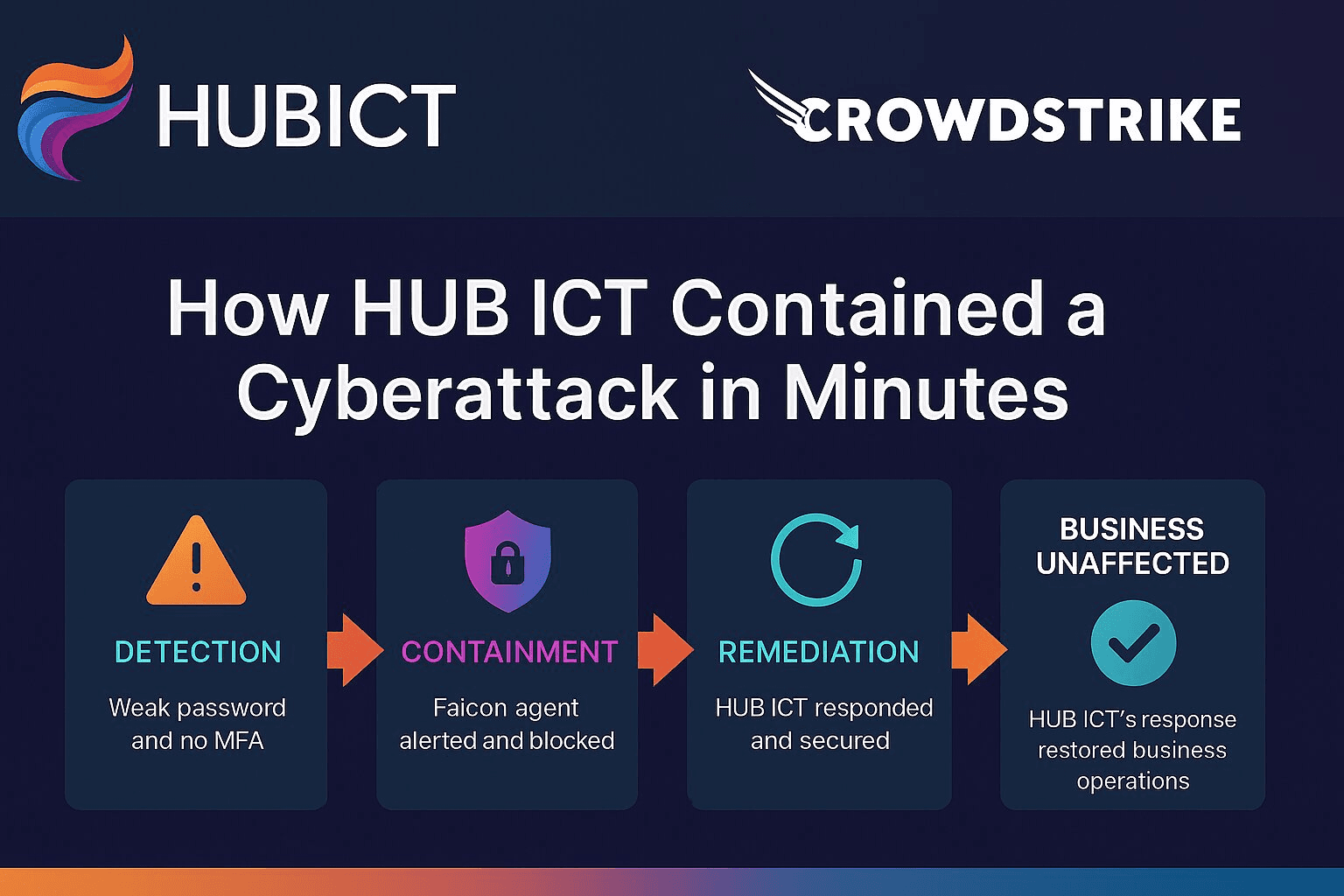
Balancing Cybersecurity Costs and Reality: How HUB ICT Contained a Cyberattack
Learn how HUB ICT's hybrid cybersecurity model successfully contained a sophisticated cyberattack in minutes, proving that strong security doesn't have to break the budget.

Stop Overspending on Microsoft CSP: How to Save Up to 15% on Microsoft 365 Licensing
Discover how businesses are unknowingly overspending on Microsoft CSP licenses and learn proven strategies to optimize your licensing costs.

Hardware Procurement in a Volatile Market: Why Flexibility Matters More Than Ever
Price movements, supply constraints and longer lead times mean the exact device you want isn't always available. Here's how to build flexibility into your hardware procurement strategy without lowering your standards.
Have a licensing or procurement problem worth solving?
Tell us what's going on. It might be a five-minute answer, or it might be a proper review.
Book a Consultation